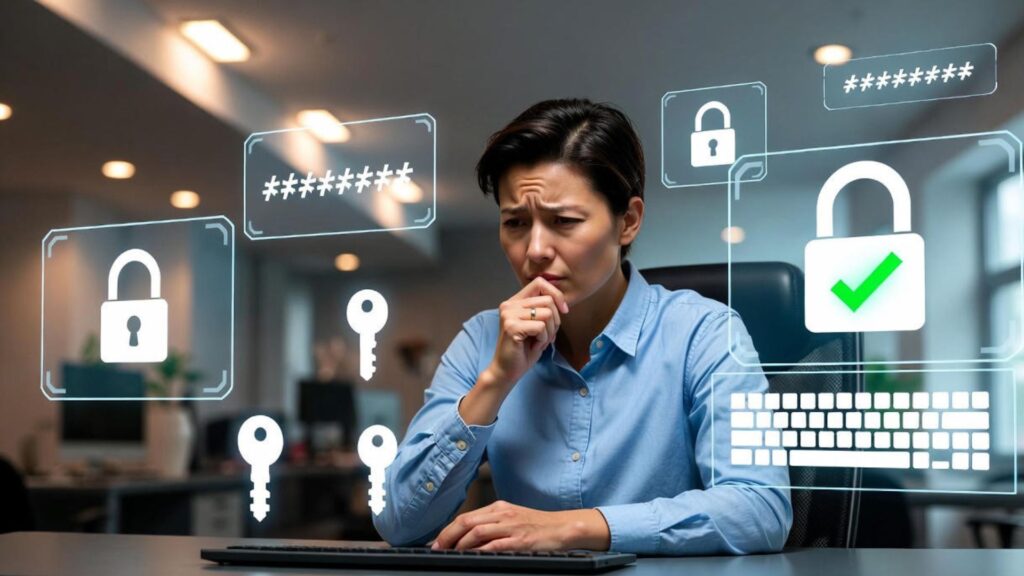
Top 10 Password Security Myths — okay, passwords. Ugh. We all hate them, but they’re basically the keys to our entire digital life. Email, bank, streaming, social media — everything. And yet, somehow, everyone thinks they know the rules, but most of us get it wrong. There’s all these myths floating around that sound smart but honestly… they just make you vulnerable. Hackers love that. They’re basically just waiting for you to mess up. So let’s talk about the stuff nobody tells you about passwords, the myths you probably believe, and how to actually not get hacked.
Myth 1: Changing Your Password All the Time Keeps You Safe
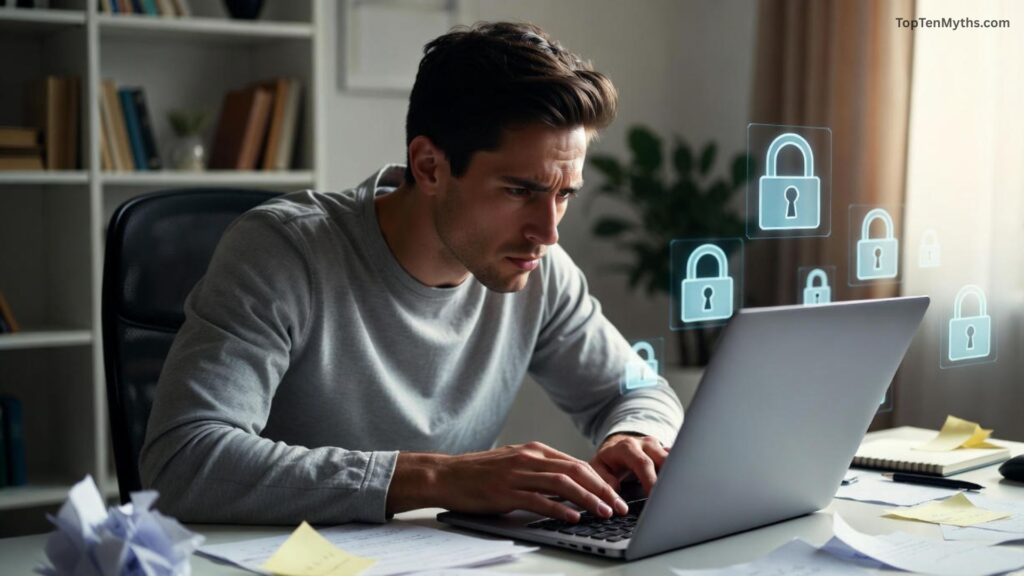
So, you’ve probably heard this a million times: “Change your passwords every 30 or 60 days!” Sounds smart, right? But here’s the deal — it actually makes things worse a lot of the time. Why? Because humans are lazy. And when you’re forced to change your password every month, you end up doing something dumb like just adding a “1” at the end or swapping a letter for a symbol. Hackers can see that pattern from a mile away.
Instead of stressing about frequent changes, just make a really strong password to start with. Use a password manager if you can. That way, you don’t even have to remember it. Change it only if something sketchy happens. Simple.
Myth 2: Short But Complex Passwords Are Fine
People think “If I just mix numbers, symbols, uppercase letters, I’m safe.” Yeah, kinda… but not really. “P@55w0rd!” looks fancy but is super easy to crack. Length matters way more than being fancy. “CorrectHorseBatteryStaple” might look silly, but it’s much harder to hack than “P@55w0rd!” because it’s longer.
Rule of thumb: aim for 12+ characters, doesn’t have to be some crazy complicated symbol soup. Longer is stronger. That’s it.
Myth 3: I Have a Good Memory, I Don’t Need a Password Manager
Oh man, the “I’ve got a great memory” crowd. Yeah, you think you’re clever, but most of the time that just means you reuse passwords across accounts. Or you make patterns that hackers can figure out. Spoiler: memory isn’t perfect, especially when you have 50 accounts.
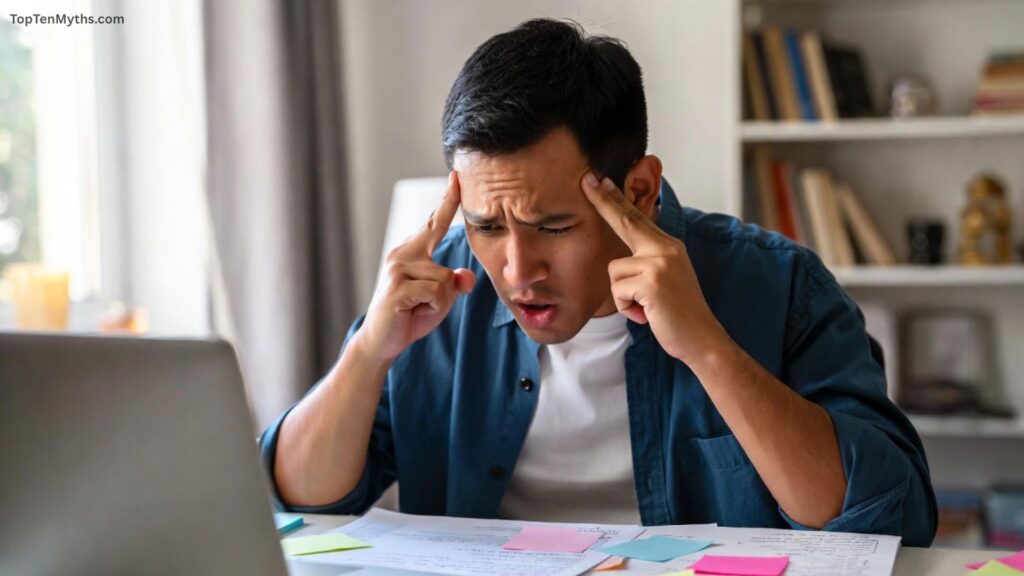
Password managers exist for a reason. They’ll remember your passwords, generate strong ones, auto-fill them. You literally don’t have to think. And you won’t be tempted to reuse passwords. It’s a lifesaver.
Myth 4: Writing Down Passwords Is Always Bad
People still freak out about writing passwords down. “Oh no, it’s unsafe!” Look, yeah, if you leave it on your desk, that’s dumb. But if you write it down and lock it somewhere, like a drawer or safe, it’s actually fine. Not ideal, but fine.
Honestly, for most people, a password manager is better. But if you’re old school, a little notebook is okay as long as no one else can get to it.
Myth 5: Two-Factor Authentication (2FA) Makes Passwords Useless
This is a big one. Some people think “Cool, I have 2FA, so my password doesn’t matter.” Nope. Hackers can still get in with tricks like SIM-swaps or phishing.
2FA is like a safety net. It doesn’t replace a strong password. You need both. Strong password + 2FA = much safer.
Myth 6: Hackers Use Super Fancy Techniques
Movies make you think hackers are some super-genius typing in code at lightning speed. Most of the time? Nope. They just steal passwords through phishing emails, brute-force attacks, or using leaked passwords on other sites (credential stuffing).
Bottom line: don’t make it easy. Unique passwords everywhere + a manager = way harder for them. Hackers love weak human mistakes.
Myth 7: I Can Reuse Passwords for Low-Priority Accounts
“Eh, it’s just Instagram, who cares?” Wrong. Hackers love this. Minor accounts can be the entry point to bigger stuff — email, bank, work accounts.
Even “unimportant” accounts matter. Always unique passwords, everywhere. Seriously.
Myth 8: Keyboard Patterns Are Safe
“123456,” “qwerty,” “asdfgh” — yeah, don’t do that. Hackers know these off the top of their heads. They try this stuff first.
Better: random passwords, passphrases, manager-generated. Done.
Myth 9: I’m Not Tech-Savvy, So Hackers Won’t Target Me
This is such a trap. Hackers actually love people who aren’t tech-savvy. Why? Because they’re easy targets. Weak passwords, no 2FA, click all the links.
Everyone is a target. Doesn’t matter if you’re a tech guru or your internet activity is minimal.
Myth 10: Non-Financial Accounts Don’t Matter
Some people think “It’s fine if my social media gets hacked, no money involved.” Wrong. Email, social media, even gaming accounts can lead to identity theft, password resets, spam, scams.
Treat every account like it matters. Hackers can use one small breach to domino into bigger stuff.
How to Actually Fix This Mess
So you’ve read all this, now what? Here’s the real deal:
- Password Manager: Use it. Seriously, just do it. Generates strong passwords, remembers them, fills them in. Lifesaver.
- 2FA: Turn it on everywhere you can. App-based or hardware keys are better than SMS.
- Tell People: Share this stuff. Your friends and family probably think they’re safe too. They’re not.
- Check Breaches: Sites like Have I Been Pwned tell you if your stuff got leaked. If yes, change passwords immediately.
- Stay Updated: Cybersecurity isn’t static. New hacks happen all the time. Follow a few trusted sources.
Final Thoughts
Passwords are annoying, but they’re super important. Most of the myths out there make things worse, not better. Reusing, patterns, thinking2FA replaces passwords, underestimating “small” accounts — all bad.
Fix it by having long, unique passwords, 2FA, and a manager. Watch your accounts, stay alert, and don’t overthink it. Do that, and you’ll already be ahead of 90% of people online.
Frequently Asked Questions ( FAQs )
Q. How often should I really change my passwords?
Ans: You don’t need to change passwords constantly. Focus on creating strong, unique passwords for each account. Change them only if there’s a known breach or suspicious activity. Frequent changes can actually make passwords weaker because people tend to reuse patterns.
Q. Are longer passwords really more secure than complex ones?
Ans: Yes! Length matters more than complicated symbols. A long passphrase like “CorrectHorseBatteryStaple” is harder to crack than a short password full of symbols like “P@55w0rd!”. Aim for at least 12–16 characters.
Q. Do I need a password manager if I can memorize my passwords?
Ans: Even if you have a good memory, a password manager is highly recommended. It helps you create strong, unique passwords for every account and prevents reuse or predictable patterns.
Q. Is it ever okay to write down my passwords?
Ans: Writing passwords down isn’t automatically unsafe if you store them securely, like in a locked drawer or safe. But using a password manager is generally safer and more convenient.
Q. Does two-factor authentication (2FA) replace the need for a strong password?
Ans: No. 2FA is an extra layer of security, not a replacement. Weak passwords combined with 2FA are still vulnerable to attacks like SIM-swapping or phishing. Always use both together.