

Top 10 Myths About WiFi — Wi-Fi. It’s everywhere. We kinda take it for granted, but honestly, it runs most of our lives now. From streaming dumb cat videos at 2 a.m. to Zoom calls, smart fridges, and gaming, it’s just… there. But somehow, even though we all use it, there are still a million myths floating around. People blame Wi-Fi for everything, from slow Netflix to their kid failing online school. So let’s stop pretending we know it all and go through some of the biggest myths about Wi-Fi — the ones that make people waste money or panic for no real reason.
Myth1: 5G Will Replace Wi-Fi
Okay, first up, 5G. Everyone’s like “oh, 5G is so fast, it’s gonna kill Wi-Fi.” No. No, it won’t. It’s not trying to replace Wi-Fi, it’s more like… the annoying little sibling who tags along. 5G is great, don’t get me wrong, it’s fast, low latency, all that. But indoors? In offices? Hospitals? Grocery stores? Wi-Fi is still king there.
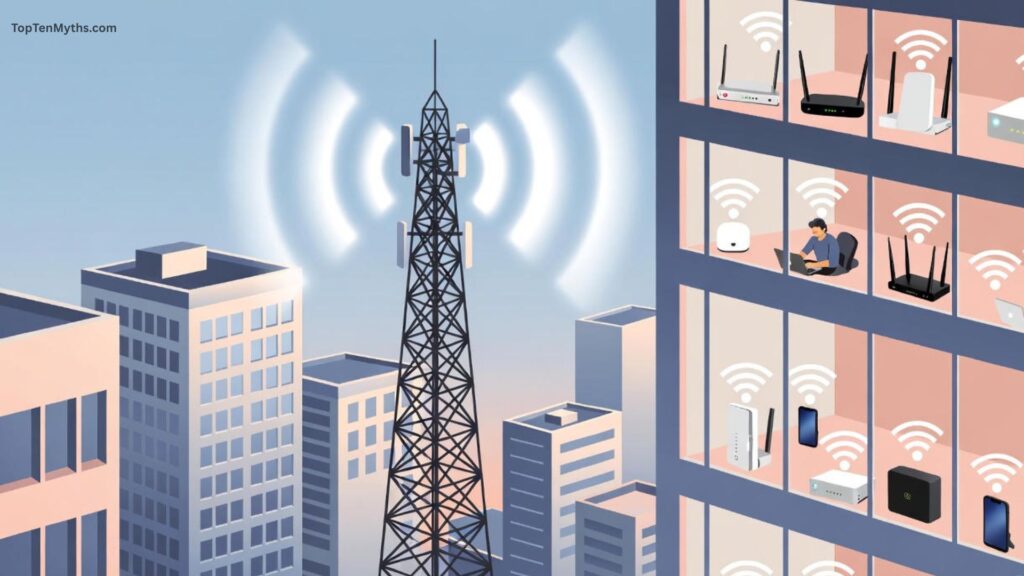
See, 5G shines when you’re on the go — walking down the street, driving, whatever. Wi-Fi shines when you’re sitting in one place with a bunch of devices all needing decent speeds. Also, have you tried running your entire house on 5G? Yeah, expensive and probably unreliable. So don’t freak out — Wi-Fi isn’t dead, it’s just sharing the spotlight.
Myth2: Wi-Fi Is Always Responsible For Slow Speeds
Oh man, this one drives me crazy. People blame Wi-Fi for everything. “My internet is so slow, my Wi-Fi sucks.” Maybe. But also maybe your ISP is throttling you, maybe 10 people in your house are streaming at once, maybe your laptop is 10 years old and can’t handle modern Wi-Fi.
Wi-Fi is just one part of the chain. Think of it like a water pipe. Wi-Fi is the faucet, ISP is the supply, devices are the cups. If the pipe is clogged, the faucet doesn’t matter. If your cup has a hole, doesn’t matter. A lot of “bad Wi-Fi” is really just bad… everything else.
So yeah, don’t just assume Wi-Fi is at fault — check your plan, devices, congestion, even dumb stuff like someone in the house doing a huge download.
Myth3: More Wi-Fi Bars Mean Better Connection Quality
Ugh, Wi-Fi bars. So many people think full bars = amazing connection. No. Just… no. Bars only show signal strength between your device and router, not speed, not congestion, not interference.
You can have full bars and still watch your video buffer every five seconds because your neighbor’s router is on the same channel, or someone’s streaming 4K next door. Bars are like, “hey, your signal is strong,” not “hey, you’re gonna get 500 Mbps right now.”
So next time you see full bars and laggy Netflix, stop screaming at Wi-Fi and start thinking about other factors: interference, congestion, router quality, all of it. Bars lie.
Myth4: All Access Points Are the Same
Nope. They’re not. I wish. But every access point is different. Some can handle 5 devices, some 50, some can do Wi-Fi 6, some are stuck in 2010. Antennas, QoS settings, firmware — it all matters.
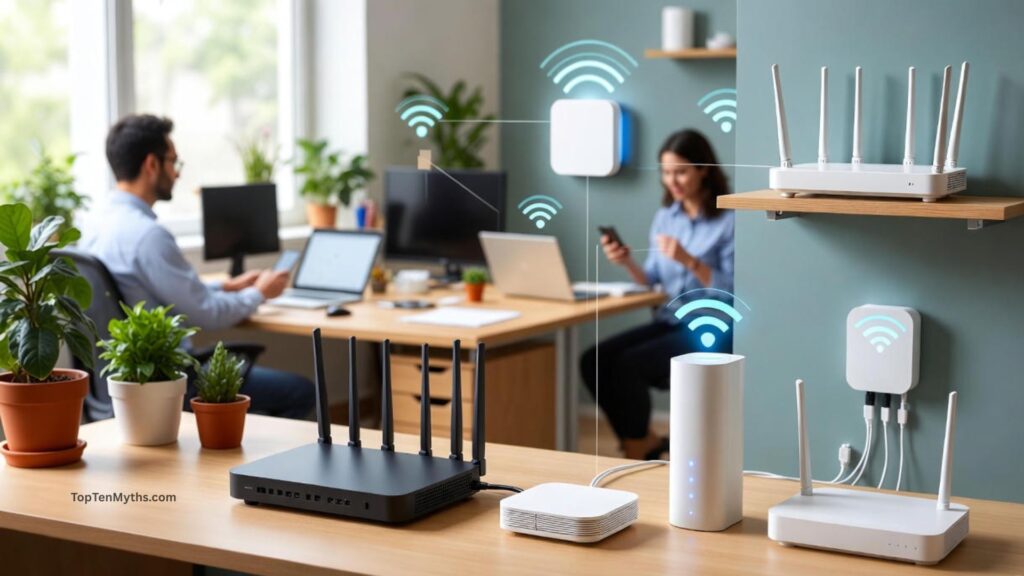
Buying a cheap AP thinking it’s gonna perform like enterprise stuff? Nope. It won’t. Even fancy APs vary a lot. Range, features, client management — all of that changes your experience.
Basically, treat APs like cars. Some are sedans, some are trucks, some are Ferraris. Don’t expect them all to do the same thing.
Myth5: Wireless Networks Are Always Insecure
This myth bugs me too. Some people act like Wi-Fi is basically a free-for-all for hackers. That’s old thinking. Modern standards like WPA3 actually make Wi-Fi really secure if you do basic stuff like strong passwords and firmware updates.
Most breaches are dumb user mistakes. Default passwords, outdated routers, connecting to public Wi-Fi without protection… not magic Wi-Fi problems.
So yeah, Wi-Fi can be insecure, but it’s usually people being lazy, not the network itself.
Myth6: Wireless Network Extenders Always Improve Coverage
Extenders are tricky. People see them as magical “make Wi-Fi everywhere” boxes. But sometimes they make things worse. They can slow your network, add latency, and basically repeat weak signals over and over.
Better solution? Mesh Wi-Fi. Mesh systems are like… a little army of access points working together. They hand off devices seamlessly, spread the signal evenly, and don’t do the “repeat weak signal” thing. Extenders can help, but mesh is usually worth the money if you want good coverage everywhere.
Myth7: Public Wi-Fi Is Safe to Use
News flash: public Wi-Fi is risky. A lot of it is unsecured. Hackers love public networks. They can snoop, steal info, do all sorts of nasty stuff.

You can use it, but VPNs are basically mandatory if you want to stay sane. Don’t log into banking accounts on Starbucks Wi-Fi unless you like stress. Don’t auto-connect to every open network. And maybe… don’t do anything dumb while on public Wi-Fi. It’s like walking down a sketchy alley — fine if you’re careful, not fine if you’re oblivious.
Also Read: Top 10 Myths About Internet Speed
Myth8: Wireless Channels Don’t Impact Performance
Actually, they do. Channels are everything. Wi-Fi runs on 2.4 GHz, 5 GHz, now 6 GHz if you’re fancy. Each has multiple channels. If too many people are on the same one, your Wi-Fi slows down because devices have to take turns talking.
2.4 GHz is especially crowded because everyone and their dog uses it — phones, microwaves, Bluetooth stuff. 5 GHz has more space, usually faster, but still not magic.
Picking the right channel can actually make a huge difference. Some routers auto-pick, but not always well. Sometimes manually picking a channel makes everything feel 10x faster.
Myth9: Only Other Wireless Networks Cause Interference
Nope. It’s not just your neighbor’s Wi-Fi. Things like microwaves, cordless phones, Bluetooth speakers, baby monitors, even metal walls can mess with Wi-Fi.
Interference isn’t always obvious. Sometimes moving the router two feet or changing its height fixes things better than buying a new AP. It’s weird, kind of annoying, but true.
Myth10: Older Devices Don’t Impact Wireless Performance
They do. Big time. Older devices with outdated Wi-Fi (like 802.11b or g) are slow and they can slow down the whole network.
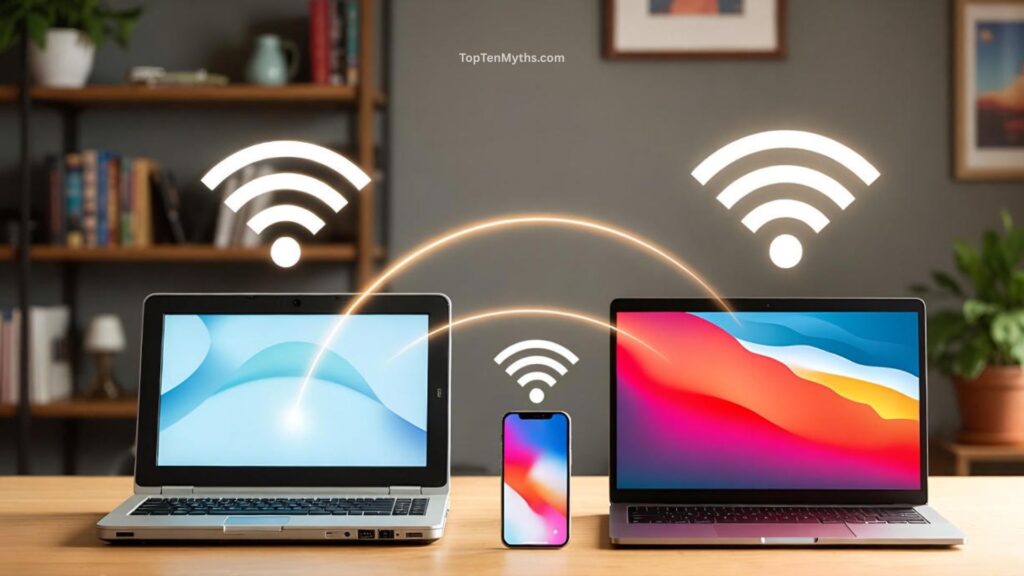
It’s like having a snail in a race — everyone else has to slow down to accommodate it. If you have a bunch of old devices, your fancy new phone won’t magically go full speed.
Solution: upgrade old devices, or at least separate them onto a guest network so they don’t bottleneck everything else.
Final Thoughts
Wi-Fi problems are usually not caused by one single thing. It’s a mix — old devices, bad routers, interference, congestion, human mistakes, ISP issues.
Knowing the myths and seeing what actually matters makes a huge difference. Wi-Fi isn’t magic. It’s not perfect. It’s messy, finicky, sometimes annoying. But if you understand what’s really going on — channels, devices, interference, modern security — you can actually make it work for you.
So yeah, Wi-Fi’s weird, but it doesn’t have to be frustrating all the time. A little knowledge, some patience, and not believing everything you read online goes a long way.
Frequently Asked Questions (FAQs)
Q. What is the most common Wi-Fi myth?
Ans: Probably that Wi-Fi alone is always to blame for slow internet. In reality, lots of things can cause slow speeds — old devices, ISP issues, interference, and network congestion all play a role.
Q. Will 5G replace Wi-Fi completely?
Ans: Nope. 5G is great for mobile and outdoor coverage, but Wi-Fi is still better indoors and in crowded spaces. They actually complement each other rather than compete.
Q. Does having full Wi-Fi bars mean I have fast internet?
Ans: Not necessarily. Bars only show signal strength, not actual speed or congestion. You can have full bars and still experience buffering or slow downloads.
Q. Are all Wi-Fi routers and access points the same?
Ans: Definitely not. Routers and access points differ in range, speed, supported standards, and features. Cheap ones might work fine for a small apartment, but busy offices or big homes need better gear.
Q. Is public Wi-Fi safe?
Ans: Usually, it’s not. Public networks are often unsecured, making it easy for hackers to snoop. Using a VPN and avoiding sensitive tasks can help keep you safe.