
Okay, so the whole macOS vs Windows thing… yeah, it’s basically eternal. People get super passionate about it, like ridiculous levels. You’ve got people who swear Macs are the only thing worth touching, and then others who say Windows is life and Macs are basically overpriced toys. And somewhere in the middle are all these myths, half of them made up years ago and just… stuck. That’s why I wanted to break down the Top 10 Myths About macOS and show what’s actually true and what’s just nonsense.
Myth #1: Macs Don’t Have The Software You Need
First off, this one drives me nuts. People act like once you buy a Mac all your apps disappear and you’re doomed. That’s just not true. Seriously.
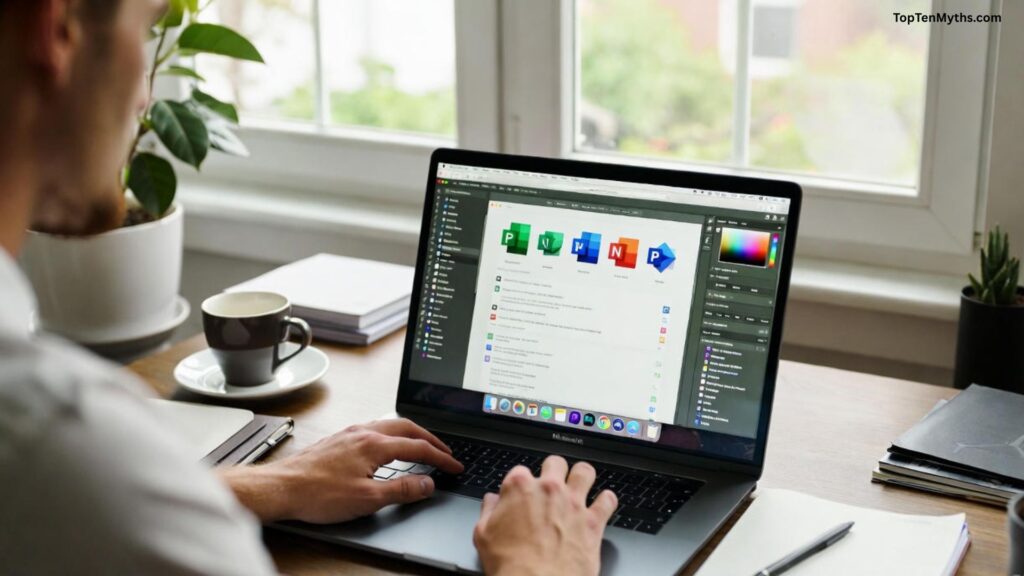
The big stuff is there—Microsoft Office? Yup. Adobe Photoshop, Illustrator, Premiere? All there. And remote desktop apps, email clients, whatever you use for work? Pretty much all of it.
And Macs have a bunch of stuff Windows doesn’t even get. Apple’s own apps like Pages, Numbers, Keynote. Things 3, Final Cut Pro… I mean, these aren’t just “cute little apps,” people actually use them professionally. So yeah, the idea that a Mac is software-poor is kind of laughable.
Myth #2: Macs Aren’t For People Who Need Windows
Okay, this is a weird one. Some people think “Oh if I switch to Mac, I can’t run Windows programs” and panic. Not true.
There’s this thing called Parallels Desktop—basically you can run Windows inside macOS. It’s like a computer in a computer. And if you don’t like that, there’s Boot Camp. Boot Camp lets you install Windows properly on your Mac so when you turn it on you pick which system you want. Boom, full Windows.
So if your job or some random software requires Windows, it’s not like you’re stuck. Macs can handle it. People just don’t know that, apparently.
Myth #3: The New Interface Will Be Difficult
Alright, so yeah, Macs do one thing differently—buttons for closing/minimizing windows are on the left, not the right. I know, weird, takes like five seconds to get used to. But honestly, that’s about it.
The Dock is kind of like your Windows taskbar, but nicer, I think. And the menu bar is always at the top. Left side for app menus, right side for system stuff. Once you poke around for a few hours, it clicks. People make this sound like rocket science, it’s really not.
Also Read: Top 5 Myths About Windows 2026
Myth #4: Macs Are Expensive
Yes, they cost more upfront. I’m not gonna lie. But here’s the thing—you get a lot for that price. Aluminum body, amazing trackpad, backlit keyboard, all that good stuff. And the OS itself is free, updates are free, some basic apps are free… so when you actually add it all up, a lot of “cheaper” laptops aren’t really cheaper.
It’s like buying a bike. You can buy a $200 bike and it’ll break in six months or spend $900 and it’ll basically last forever and feel way better to ride. Same deal.
Myth #5: Transferring Data Is Complicated
People freak out about moving from Windows to Mac. They’re like “Oh my god all my files will be gone forever” and honestly, it’s not even close to that.
Apple has this thing called Migration Assistant. You point it at your old computer, tell it what to copy, and it literally does everything for you—emails, music, calendars, documents, apps where it can, account stuff. You literally don’t have to lift a finger. It even puts everything in the right folders.
Myth #6: Macs Are Just For Designers
Yes, designers love Macs. True. But you don’t have to be a designer to use one. Apple screens are color-accurate, yes, which is great if you edit photos or video. But it also just makes stuff look nicer. Movies, TV, reading, working… everything is easier on the eyes.
So no, you’re not buying a Mac and suddenly only allowed to design stuff. It’s like saying you can’t drink a $50 wine unless you’re a sommelier. Totally unnecessary restriction.
Myth #7: Office Equipment Won’t Work
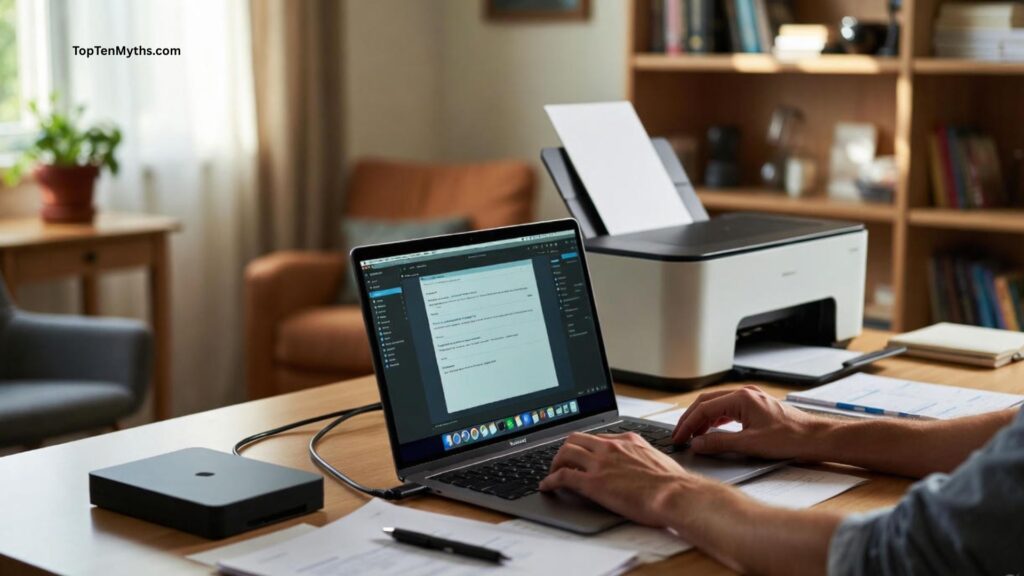
Printers, scanners, external drives… yeah, Macs work with all of them. You plug it in, go to Printers & Scanners, add it, done. Sometimes you need a driver, sometimes it’s automatic. It’s not complicated. People just like saying it is for dramatic effect, I guess.
Myth #8: Macs Can’t Network With Windows PCs
Another old one. Macs and Windows can share files, printers, whatever, no problem. Wired network or Wi-Fi doesn’t matter. macOS has a Share menu where you just pick what you want other computers to see.
It’s not “plug and play” for complicated setups sometimes, but honestly, for 95% of users it works fine. The rumor that Macs “can’t network” is just old and wrong.
Myth #9: No Games On A Mac
Okay, here’s the only one with a tiny bit of truth. AAA games are mostly Windows-first. If you’re a hardcore gamer, yeah, Macs aren’t ideal.
But casual games? Tons on the App Store. Steam works. And if you really want, you can even install Windows and play literally any PC game. So the idea that Macs are “game-less” is… exaggerated.
Myth #10: You Can’t Use A Mac Without An iPhone

Apple makes things convenient if you have an iPhone—Handoff, AirDrop, etc. But you do not need one. A Mac works just fine on its own. Browsing, email, work, editing, everything. The iPhone just makes a few extra things smoother. That’s it.
Conclusion
So yeah… that’s basically it. Most of the stuff you hear about Macs being “too expensive,” “can’t run Windows,” “can’t play games,” or “just for designers” is mostly just rumors that somehow never die. Honestly, a Mac can do pretty much everything a Windows PC can do, sometimes in a slightly different way, sometimes even better.
If you’re thinking about switching, don’t let these myths freak you out. Yeah, the interface is a bit different at first, and sure, they cost more upfront, but they last a long time, work with most stuff, and, well… they just work. You don’t need an iPhone, you can play games, you can use Office, you can transfer all your stuff—it’s not as scary as people make it seem.
At the end of the day, a Mac is just a computer. A pretty solid one, yes, but still a computer. Don’t let the hype—or the anti-hype—dictate whether you try it. Test it, poke around, and see for yourself. Chances are, you’ll be fine, maybe even pleasantly surprised. And if someone tries to tell you otherwise… well, now you’ve got a list of ten myths to school them on.
Frequently Asked Questions (FAQs)
Q. Can I run Windows software on a Mac?
Ans: es! Macs can run Windows applications using virtual machines like Parallels Desktop or VMware, or you can install Windows directly on your Mac using Boot Camp. This means even software exclusive to Windows can work on a Mac.
Q. Are Macs really more expensive than Windows PCs?
Ans: Macs have a higher upfront cost, but they include high-quality hardware, free macOS updates, and a lot of bundled apps. When you factor in build quality and longevity, many people find the value is worth it.
Q. Is it hard to switch from Windows to macOS?
Ans: Not at all. While there’s a small learning curve—like the window buttons being on the left—the interface is intuitive. Tools like Migration Assistant make transferring files, emails, and apps from Windows easy.
Q. Can Macs play games?
Ans: Macs can run games! While AAA Windows-focused games are less common, the Mac App Store has many games, and platforms like Steam work on macOS. You can also install Windows on a Mac to access more games.
Q. Do I need an iPhone to use a Mac?
Ans: Absolutely not. Macs are fully functional on their own. iPhones make certain tasks smoother with features like Handoff or AirDrop, but they’re not required to use a Mac.